

This post was originally published in February 2025 and has been updated and rewritten for AI recruiting tools in 2027.
AI recruiting tools now touch every step from sourcing to scheduling, and the hard decision has moved from finding a tool to deciding what it is allowed to decide. This guide covers five tool categories, a rollout sequence that holds up inside your ATS, and the calls a recruiter still has to make. IQTalent runs Candidate Sourcing and On-Demand Recruiting inside client systems, so this view comes from working beside these tools every week.
What Are AI Recruiting Tools?
AI recruiting tools are software that automates or ranks one step of hiring: finding candidates, screening them, talking to them, verifying them, or measuring the result. They cut manual work and speed up the workflow. How much they help depends on three things: the quality of the data underneath, how the tool is configured, and how closely a recruiter reviews what it produces. Every tool also gives up some visibility into why a candidate was surfaced or dropped. If you want the measurement side first, our guide to AI recruiting ROI covers how to judge that trade.
What Are the Main Types of AI Recruiting Tools?
Sourcing and matching. These tools search profile databases and rank people against a role. Newer versions run as agents that search, message, and schedule without a prompt for each step. They widen your funnel fast and inherit every flaw in the job description you feed them. A sourcer still decides who is worth a call, which is the point of our 2026 look at AI in engineering hiring.
Screening and assessment. These tools parse resumes, score skills tests, and now run recorded or live AI interviews. Candidates are wary. Gartner's July 2025 survey found that "only one-quarter (26%) of job candidates trust AI will fairly evaluate them." Treat a score as a reason to start a recruiter conversation. A score is not a verdict.
Engagement and scheduling. These tools answer candidate questions, book interviews, and send follow-ups at any hour. They fix response time. They do not fix a weak pitch. A recruiter who knows the hiring manager still writes the message that gets a passive candidate to reply, and our post on emailing passive candidates covers that craft.
Analytics and reporting. These tools report time to fill, source quality, and drop-off by stage, and some predict which candidates will accept an offer. Clean data decides whether any of it is useful. If nobody trusts the ATS, a dashboard repeats the problem faster. Fixing that is Recruiting Operations work, and our explainer on what Recruiting Operations covers is the place to start.
Candidate verification. These tools answer a different question than screening does. They check whether a candidate is who they claim to be, not whether that person is qualified. They confirm identity and flag signs of synthetic or coached applicants. Gartner predicts that "by 2028, one in four candidate profiles worldwide will be fake." A flag tells you to look closer. It is not a finding. Human-led verification still has to follow: a recruiter speaking with the person on video, checking the work history, and running the appropriate background checks. See our fraud alert page for how we protect candidates and clients.
Q: What are the main types of AI recruiting tools?
A: There are five: sourcing and matching, screening and assessment, engagement and scheduling, analytics and reporting, and candidate verification. Each automates one step of hiring. Pick the category that costs your team the most hours today, then keep a recruiter in charge of the decision at that step. IQTalent's AI Recruitment Playbook walks through that choice.
How Do You Choose and Roll Out an AI Recruiting Tool?
Start with integration. A tool that cannot read from and write to your ATS creates a second source of truth, and your team will stop updating one of the two. Your ATS should remain the system of record for candidate information, even when a tool processes data outside it. Before you sign, find out four things: what data the tool accesses, where that data is stored, how it syncs back to your ATS, and what controls exist for access and retention. Our Recruiting Operations guide shows how to document the process before a tool touches it.
Then run a pilot on one role family. Set the baseline first: time to first slate, recruiter hours per hire, and hiring manager acceptance of that first slate. Ask the vendor for a trial and a reference call with a customer your size. Judge the pilot against the baseline you set, using the method in our ROI measurement framework.
Once the pilot shows measurable value against your baseline, plan the transition. Document the new workflow, train recruiters and hiring managers, and phase out the manual steps the tool now covers. Give the phase-out an end date. A new process rarely takes hold while the old one runs alongside it indefinitely.
Q: How do you evaluate an AI recruiting tool?
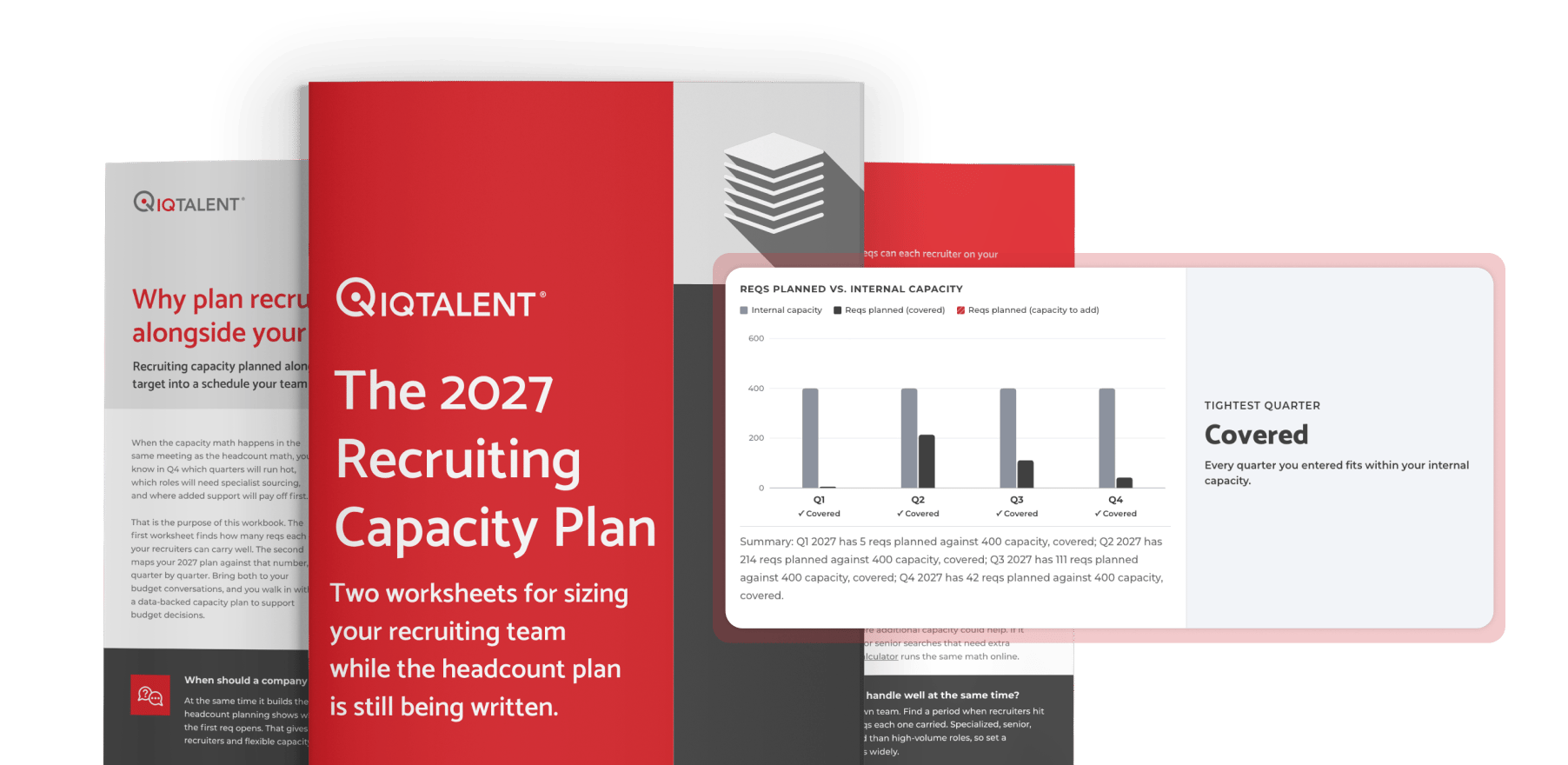
A: Check three things in order: whether it integrates with your ATS, where candidate data is stored and who controls it, and how it performs against a baseline you set before the pilot. Run the pilot on one role family and ask the vendor for a customer reference at your size. IQTalent's Recruiting Resource Calculator can help you size the baseline.
Which Hiring Decisions Should Stay With a Person?
Give AI the work that has a right answer: searching, scheduling, parsing. Keep the work that needs judgment: who is worth a conversation, what the hiring manager wants but did not write down, and whether a candidate is who they say they are.
Review output every month against the pilot baseline. Sample the candidates a tool rejected and read them yourself. Ask recruiters and candidates what felt off. That loop is how AI sharpened recruiter expertise instead of replacing it, and it is the part teams skip when a tool looks like it is working.
Q: Which hiring decisions should stay with a person?
A: Keep the judgment calls with a recruiter: who is worth a conversation, what the hiring manager really needs, and whether a candidate is genuine. Let tools handle searching, scheduling, and parsing. IQTalent's position is human-first and AI-enabled, and our post on why top recruiting firms are leaning into AI explains how that plays out.
Q: How does IQTalent work with AI recruiting tools?
A: IQTalent recruiters work inside your ATS and your tools, and every candidate, note, and pipeline stays with your company. The firm's approach is human-first and AI-enabled: tools widen the search, and a recruiter makes the call. You can see how that works for your team in a Consultation.
Next Step
Tell us which step in your hiring process costs you the most hours, and we will show you where a tool fits and where a recruiter should stay in the seat. Book a Consultation (15 to 30 minutes), or start with the AI Recruitment Playbook.


Kristin Taylor
Kristin is a results-driven Talent Acquisition and People Operations Leader with 10+ years of experience partnering with high-growth organizations across AI, technology, private equity, venture capital, and healthcare. Connect on LinkedIn →
Frequently Asked Questions
What are the best AI recruiting tools?
The best AI recruiting tools are the ones that fix the hiring step costing your team the most hours and that read from and write to your ATS. AI recruiting tools fall into five categories: sourcing and matching, screening and assessment, engagement and scheduling, analytics and reporting, and candidate verification. Judge any tool against a baseline you set before a pilot, not against a vendor demo. IQTalent recommends piloting on one role family and asking the vendor for a customer reference at your size.
How do you use AI for recruiting?
Use AI for recruiting work that has a right answer, such as searching, scheduling, and parsing resumes. Keep judgment calls with a recruiter: who is worth a conversation, what the hiring manager needs, and whether a candidate is genuine. Roll out AI recruiting tools by checking ATS integration, setting a baseline, piloting on one role family, and phasing out the old process by a set date.
How is AI changing hiring and recruiting?
AI now touches every step of hiring from sourcing to scheduling, so the key decision has shifted from finding a tool to deciding what that tool is allowed to decide. Newer sourcing tools run as agents that search, message, and schedule without a prompt for each step. AI has also added new risks, including candidate fraud, which is why candidate verification is now its own tool category.
What is AI recruiting and how does it work?
AI recruiting uses software to automate or rank one step of hiring: finding candidates, screening them, talking to them, verifying them, or measuring the result. AI recruiting tools cut manual work and speed up the workflow. How much they help depends on data quality, how the tool is configured, and how closely a recruiter reviews its output.
What AI recruiting tools reduce time to fill?
Engagement and scheduling tools improve response time by answering candidate questions and booking interviews at any hour, and sourcing tools widen the funnel quickly. Analytics and reporting tools track time to fill so you can see whether a tool is helping. To confirm real impact, measure time to first slate and recruiter hours per hire before and after a pilot.